Squarespace Discounted Annual Pricing Plans in 2026: Basic, Core & Advanced — USD & EUR
Squarespace has quietly simplified its lineup.
Gone are the days of four confusingly layered tiers. Today, Squarespace offers a streamlined set of three plans — Basic, Core, and Advanced — each priced with a compelling discount when you commit to an annual billing cycle.
In this in-depth guide, we'll break down everything you need to know about Squarespace discounted annual pricing plans in 2026: exact monthly and annual prices in both USD (for US customers) and EUR (for European customers), a head-to-head comparison between billing cycles, the key features of each plan, and a clear recommendation for different types of websites. Whether you're launching a personal blog, a small business site, or an e-commerce store, this article will help you make the smartest financial decision
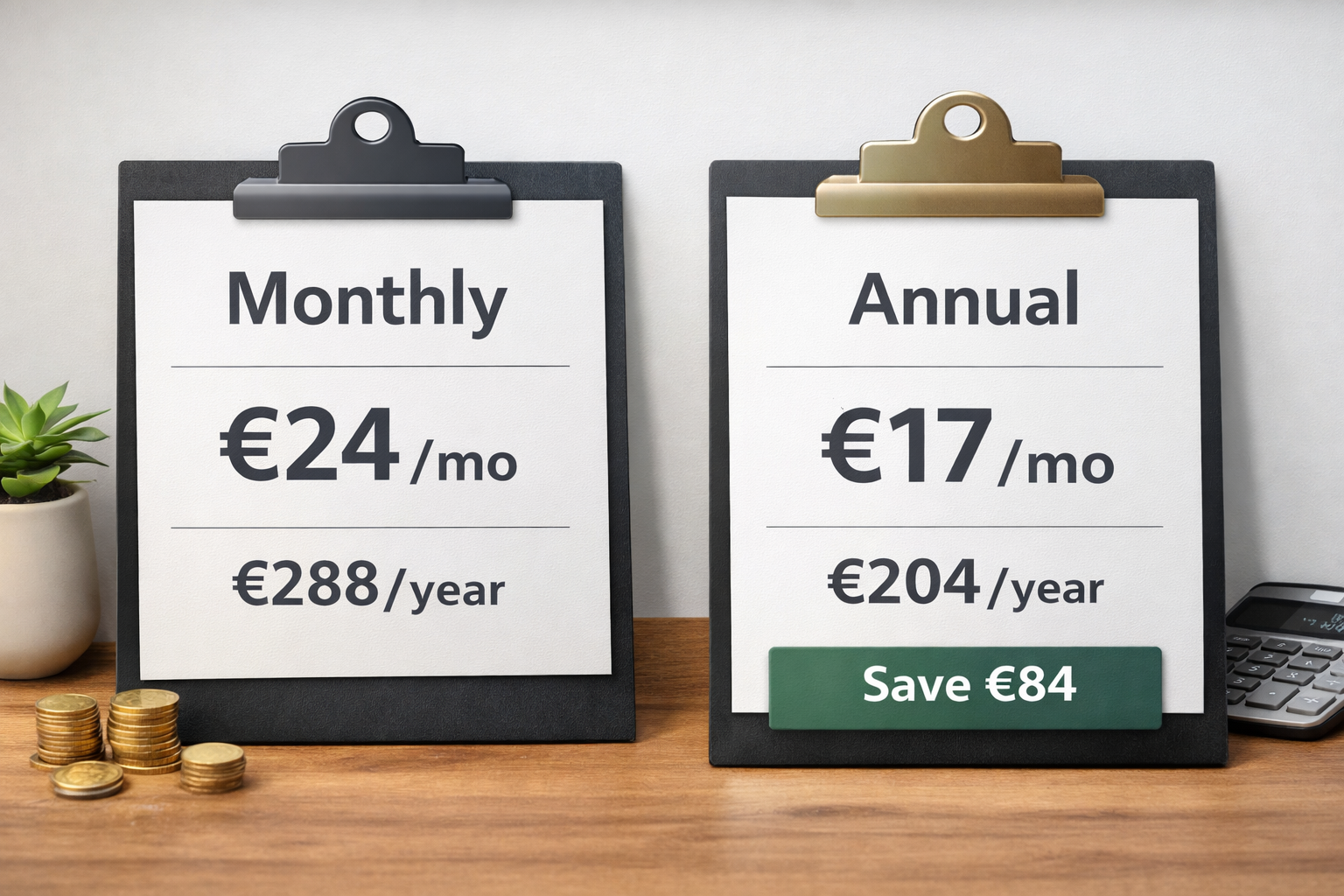
““Choosing annual billing over monthly billing on Squarespace can save you anywhere from 28% to 37% per year — a meaningful difference that compounds across every plan tier.””
The 2026 Squarespace Lineup: A Streamlined Three-Plan Structure
For several years, Squarespace operated with four pricing tiers. In 2026, the European market now sees just three active plans available through squarespace.com/pricing: Basic, Core, and Advanced. The Plus plan, which previously occupied a mid-tier position between Core and Advanced, has been discontinued for European customers, simplifying the decision-making process considerably.
This change makes Squarespace's offering sharper and easier to navigate. Instead of agonizing over whether to choose Core or Plus, European users and most global customers now face a cleaner choice across three distinct capability levels.
What all three plans share:
Mobile-optimized templates (200+ designs)
Free custom domain for the first year (annual plans only)
SSL security certificate included
24/7 customer support
Unlimited bandwidth and storage
Ability to sell products, services, and subscriptions
14-day free trial, no credit card required
The differences emerge in transaction fees, customization capabilities, analytics depth, contributor limits, and video hosting allowances — all of which we'll explore plan by plan below.
What You Get: Plan-by-Plan Feature Breakdown
Basic Plan — $12/month (USD, billed annually) or €11/month (EUR, billed annually)
The Basic plan is Squarespace's entry point, and it's best suited for personal websites, blogs, creative portfolios, and simple informational sites. It provides a solid foundation for anyone who wants a professionally designed, reliable website without needing complex business tools.
Up to 2 contributors on the account
30 minutes of hosted video storage
Standard website analytics
Unlimited products and subscriptions (with a 2% Squarespace online transaction fee, or a 7% transaction fee for digital content or memberships)
Basic e-commerce tools for casual selling
All Squarespace templates included
One important limitation: Basic does not support custom CSS or JavaScript injection. This means no ad tracking pixels, no Google Tag Manager, and no custom code customizations. If your website needs any of these — especially if you plan to run paid advertising campaigns — you'll want to start at the Core tier.
Core Plan — $17/month (USD, billed annually) or €17/month (EUR, billed annually)
The Core plan is widely regarded as the best value for the majority of small business owners, freelancers, and growing online stores. It unlocks a meaningful step up in both customization capability and e-commerce functionality.
Unlimited contributors
30 minutes of hosted video storage
Advanced e-commerce analytics
0% Squarespace transaction fees on physical product sales. For digital content or memberships is a 5% transaction fee.
Custom CSS and JavaScript injection
Access to premium integrations: Mailchimp, OpenTable, Zapier, and more
Full Squarespace API access for custom integrations
One free Google Workspace inbox for the first year
The Core plan is the clear recommendation for anyone building a serious website. The ability to add custom code alone justifies the step up from Basic, and the elimination of transaction fees on physical sales becomes financially beneficial once your monthly sales volume exceeds a few hundred dollars. This is the plan AdSYMBOL Design Studio recommend you to start.
Advanced Plan — $25/month (USD, billed annually) or €29/month (EUR, billed annually)
The Advanced plan is Squarespace's flagship offering for high-volume online stores, ambitious creators, and businesses that demand the lowest possible processing fees and unlimited flexibility. It is Squarespace's most comprehensive hosting package.
Unlimited hosted video storage
0% transaction fees on all product types, including digital goods
Advanced shipping: real-time carrier rates, abandoned cart recovery
Product waitlists and advanced inventory tools
Unlimited API integrations for enterprise-level workflows
Full suite of Squarespace e-commerce analytics
Subscription product selling and recurring billing management
The Advanced plan makes the most financial sense for businesses generating consistent high-volume sales, where the reduced processing fees (compared to lower plans) begin to offset the higher monthly subscription cost.
“Beyond the price discount, annual Squarespace plans include a free custom domain registration for the first year (typically worth $18–$25). Core and Advanced annual plans also include one free Google Workspace inbox for the first year, valued at approximately $84–$264 depending on tier.
Combined, these perks can push the effective value of annual billing even higher than the raw percentage savings suggest.”
Which Squarespace Plan Is Right for You in 2026?
With three clearly differentiated plans and a significant financial incentive to commit annually, the question becomes: which plan best matches your specific needs?
Choose Basic if you are:
A blogger, writer, or creative building a personal site or portfolio
Running a simple informational or brochure-style website
Testing an idea before scaling up
Not relying on custom code, ad pixels, or third-party marketing integrations
Doing minimal or no e-commerce (a few casual sales per month)
Choose Core if you are:
Running a small business that needs a professional, full-featured website
Selling products consistently and want to eliminate transaction fees
Running paid advertising and need Google Tag Manager or tracking pixel support
Working with a team of more than two collaborators
Needing integration with tools like Mailchimp, Zapier, or OpenTable
Choose Advanced if you are:
Operating a high-volume online store with significant monthly revenue
Selling digital products and need zero transaction fees on all types
Needing abandoned cart recovery and real-time shipping integrations
Hosting a large library of video content
Building enterprise-level workflows via the Squarespace API
Additional Costs to Budget For
While the headline pricing for Squarespace discounted annual plans is straightforward, there are a few supplementary costs that savvy website owners should factor into their planning:
Domain Renewal: The first year's domain is free on annual plans, but renewals typically cost $20–$70 per year depending on your TLD (e.g., .com domains renew around $20/year, while specialty extensions like .studio or .media can cost $50–$70/year).
Google Workspace Email: After the first free year included in Core and Advanced annual plans, Google Workspace costs approximately $7–$22 per user per month, billed annually. If your brand relies on professional email, budget for this renewal.
Email Marketing: Squarespace's built-in email campaign tool starts free but with limitations. Paid email marketing plans range from $7 to $68 per month, depending on your subscriber count and campaign volume.
Acuity Scheduling: If you offer appointment booking, Squarespace's integrated scheduling tool (Acuity) requires a separate add-on subscription with its own pricing tier.
Payment Processing Fees: Beyond Squarespace's own transaction fees (which are waived on Core and above for physical products), your payment processor (Stripe, PayPal, etc.) will charge standard processing rates regardless of your plan.
Start with the 14-day free trial at to explore the platform before committing. Then choose the plan that matches your current needs, with the confidence that upgrading is always just a few clicks away.
If you are AdSYMBOL Design Studio customer you’ll get an extra 10-20% discounted Squarespace hosting in the 1st year.